
Changing Album and Playlist Artwork
Replace an album or playlist cover with a custom image or Motion Artwork URL.
Last updated
On this page
Codafy can replace the artwork shown for an album or playlist with an image or a motion video that you host online. The original Plex artwork remains available and returns automatically if you disable or remove the custom cover.
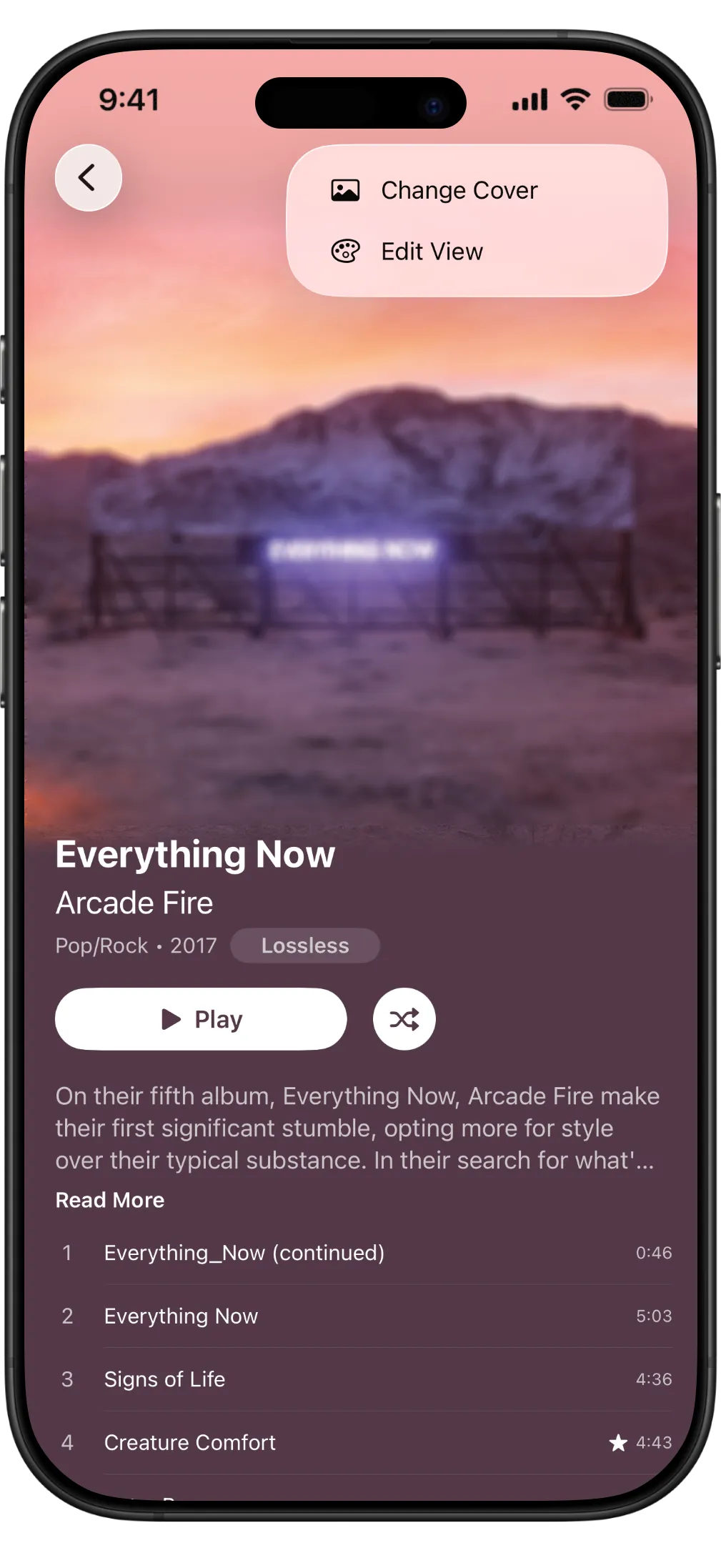
Open Change Cover
- Open the album or playlist in Codafy.
- Select the Edit button in the upper-right corner.
- Select Change Cover.
- Paste the direct URL for your artwork.
Add static artwork
Use a static image when you want the same custom cover everywhere without animation.
- Paste a direct image URL into URL.
- Turn on Use Custom Artwork.
- Choose whether to enable Cache Artwork & Motion.
- Select Save.
Codafy downloads the image from its URL and uses it instead of the Plex cover. The URL is saved so you can temporarily turn Use Custom Artwork off without losing it.
How Codafy saves your customization
Codafy stores the artwork URL locally and, when iCloud backup is available, includes it with the album or playlist customization synchronized through iCloud. The URL is also included in supported .codafy backup exports.
The image or video itself is not embedded in iCloud or in the .codafy file. When Cache Artwork & Motion is enabled, Codafy keeps a downloaded copy on the device for faster reuse. Because iOS may remove cached files to recover storage, keep the original URL available so Codafy can download the media again when needed.

Add Motion Artwork
Motion Artwork uses a direct .mp4 video URL. For albums, the Change Cover sheet lets you choose whether motion plays inside Codafy and on the Lock Screen. For playlists, the video plays while the playlist view is visible; Lock Screen motion is not available for playlists.
For Lock Screen Motion Artwork, use a 3:4 portrait (Tall) video on iPhone. On iPad, use a 1:1 square video. These platform-specific shapes reflect the formats currently working in our testing.
- Paste a direct URL ending in
.mp4. - Turn on Use Custom Artwork.
- For an album, turn on Play Motion in the App.
- Turn on Motion on Lock Screen only if you want to use the iOS 26 Lock Screen experience.
- Select Save.
Understand the options
| Option | What it does |
|---|---|
| Use Custom Artwork | Replaces the Plex cover. Turning it off preserves the saved URL. |
| Play Motion in the App | Plays an album’s video in album and player views. When off, Codafy uses static artwork. |
| Motion on Lock Screen | Sends compatible album Motion Artwork to Now Playing and the Lock Screen on supported devices. |
| Cache Artwork & Motion | Stores downloaded artwork on the device for faster reuse. Cached media can consume additional storage. |
Change or remove artwork
Open Edit > Change Cover again to paste a new URL or change any option. Select Remove Custom Cover to delete the saved custom cover and return to the original Plex artwork.
If a new static cover replaces one whose view colors were customized, Codafy may ask whether to keep those choices or generate a new appearance. Motion Artwork keeps the current static appearance settings.